
Everything Tap Compass does, screen by screen
Add your cards, walk into a store, and tap the one that earns you the most. Here is the whole app, from first setup to the tap at the till.


Coming soon to the App Store and Google Play
Free, no subscription, no bank linking
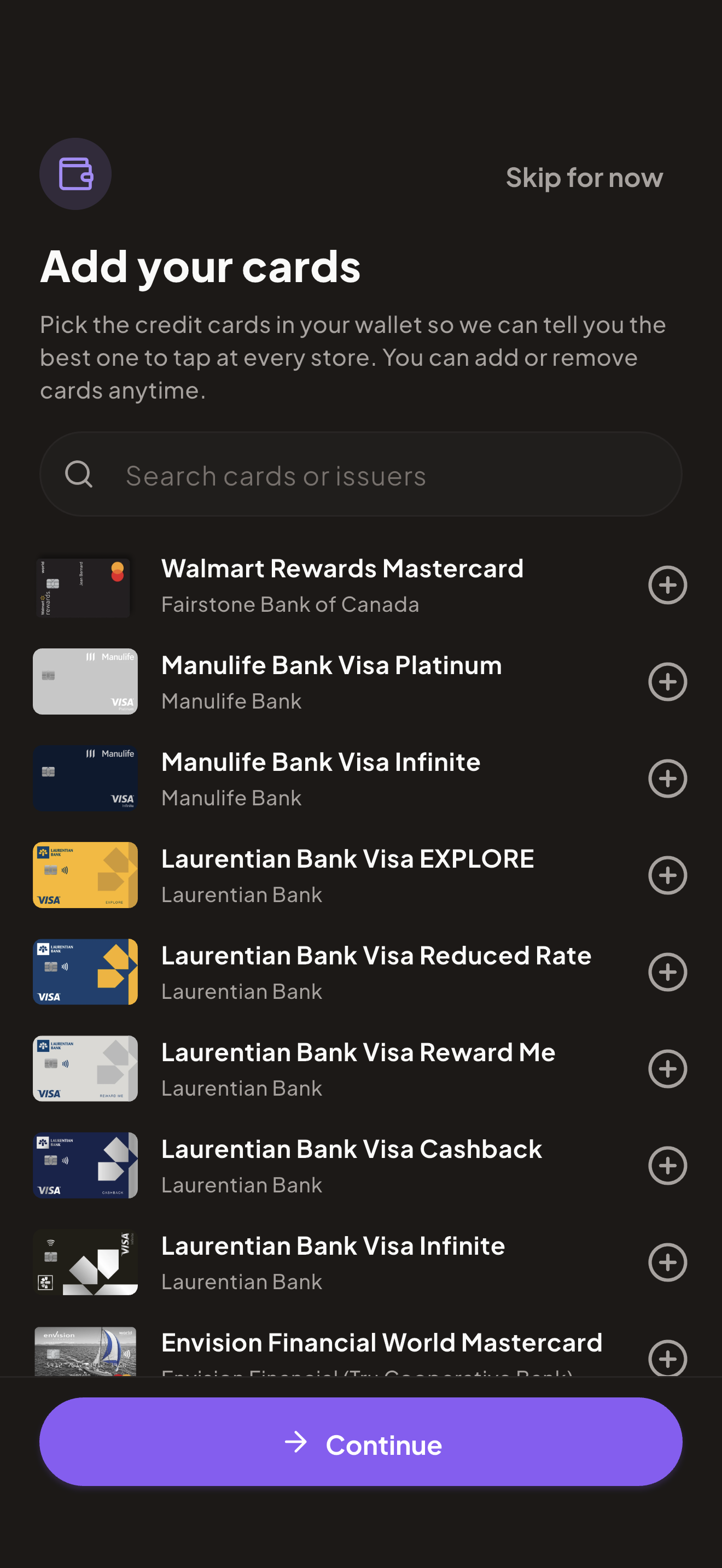
Start with the cards you already carry
Pick your cards from 165 Canadian cards across 26 issuers. No bank login, no card numbers, no account linking. Tap Compass just needs to know what is in your wallet so it can read the reward rules.
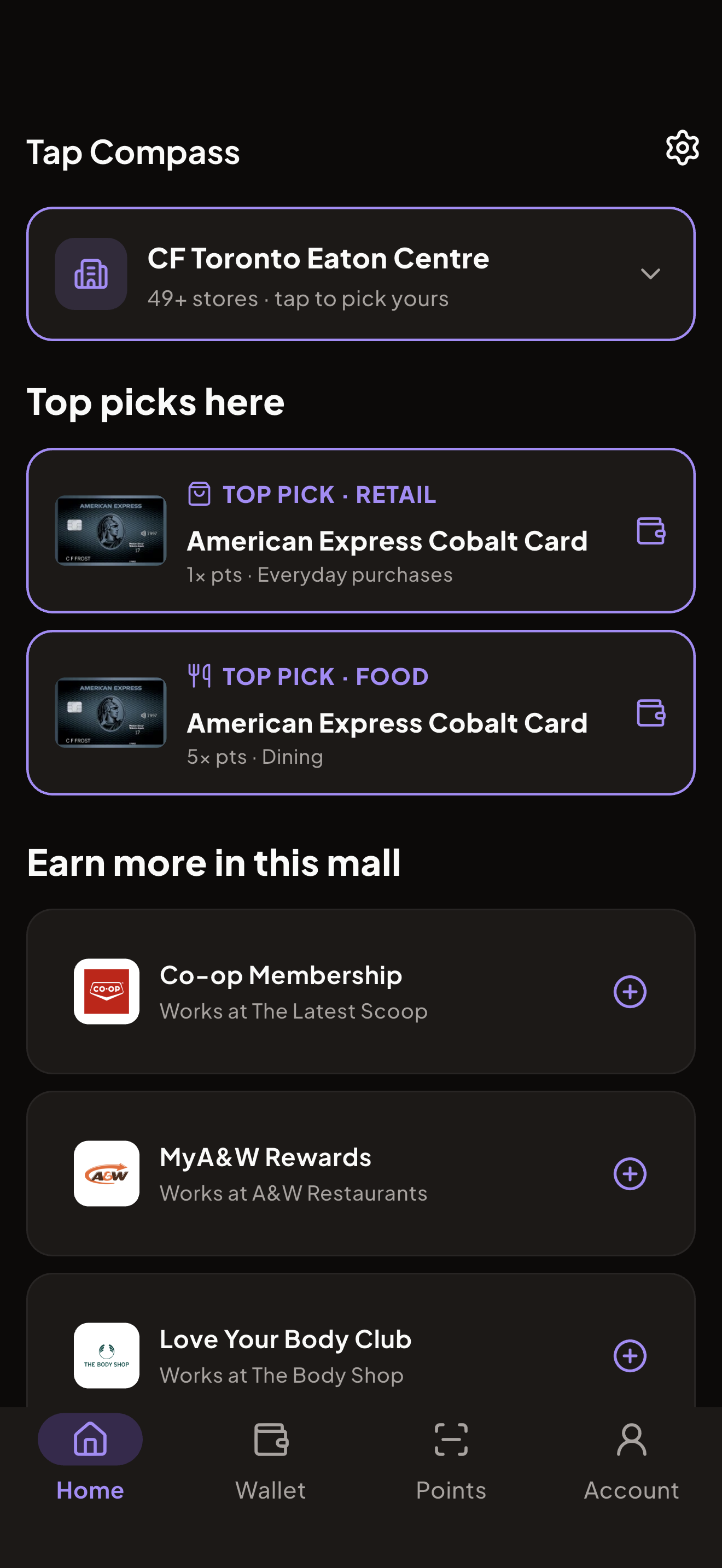
See the winning card, right where you are
Walk into a store and Tap Compass names the place and shows the top card to tap, split by category like retail and dining. It values the points at published rates so the pick is the real winner, not a guess.
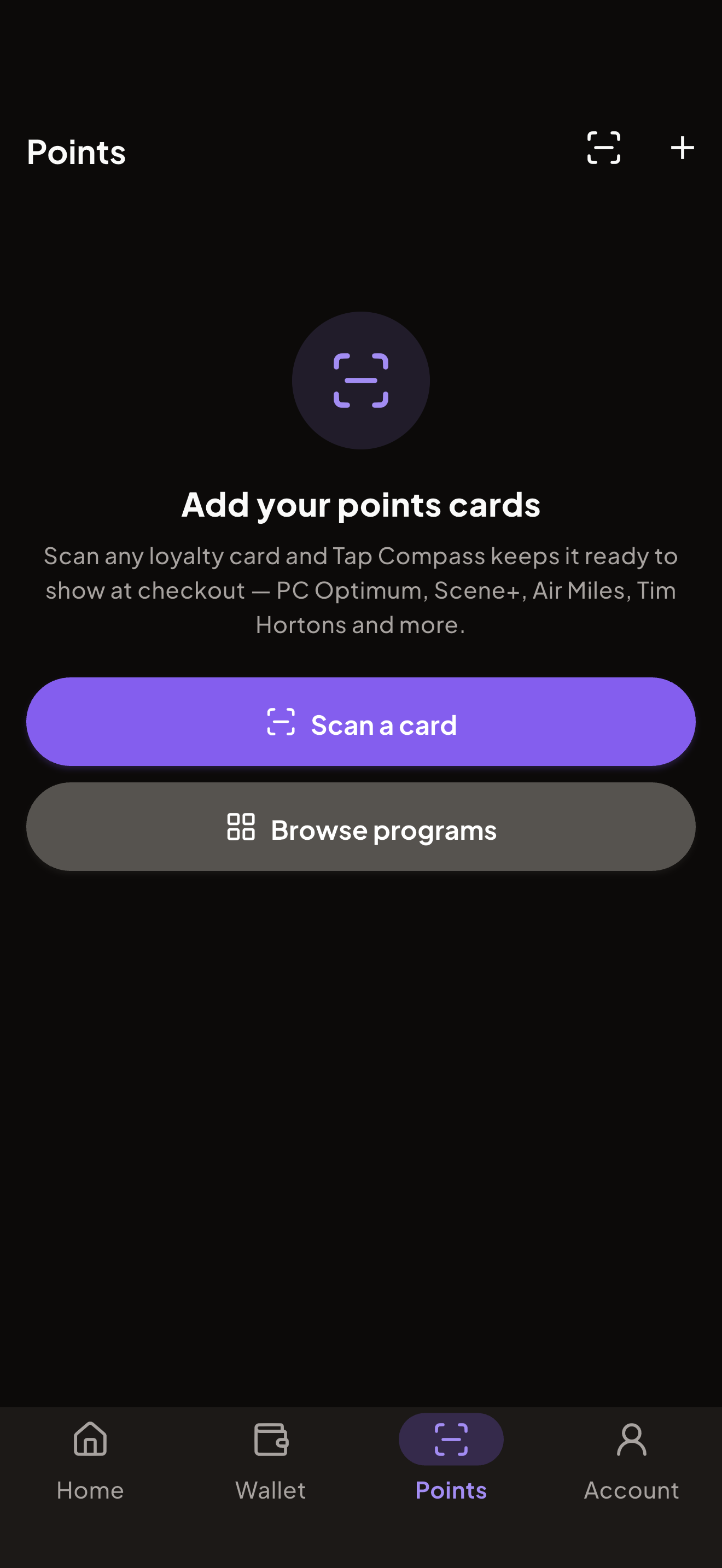
Scan the loyalty card that earns here
Keep your points programs in the app across 71 Canadian loyalty programs. Tap Compass surfaces the one that earns at this store and gives you a scannable barcode, so you stack loyalty points on top of the card reward.
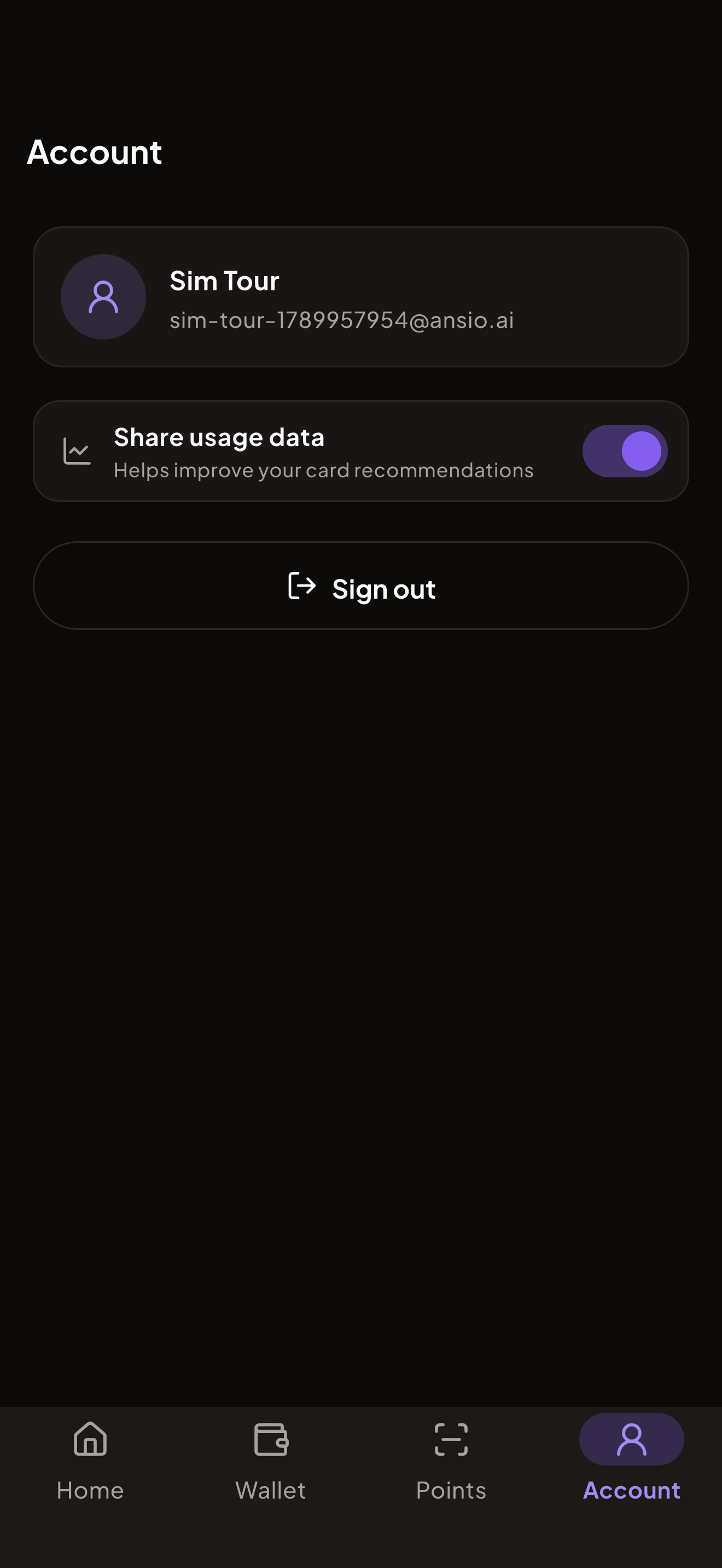
Private, honest, and free
No bank linking, no street address, no subscription. Tap Compass recommends and opens your wallet, then you tap. It is a simple tool that points you to the card that earns you the most, and nothing more.
Ready to earn more on every tap?
Tap Compass is free, made for Canada, and never links your bank. Add your cards and let it point you to the right one wherever you shop.
Coming soon to the App Store and Google Play
Free, no subscription
No bank linking
165 cards, 71 loyalty programs